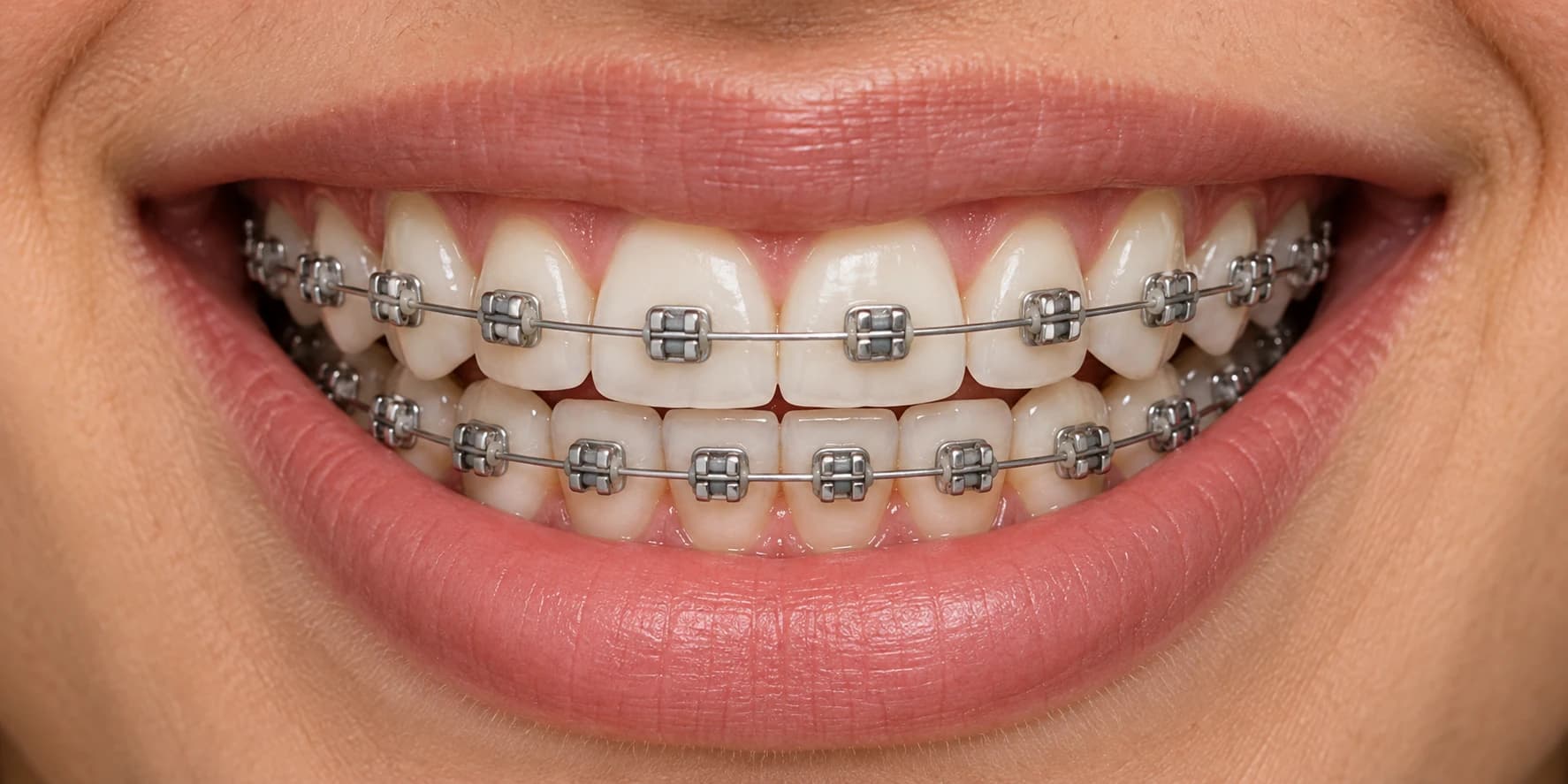
Lilac + Pink
Soft, with a little personality.
BRACES COLOR PICKER
Preview colors, mix your favorites, and find a look for your next appointment.
Create an account to try colors and save your favorite looks.
Loading your account…
A little inspiration for your next smile.
Soft, with a little personality.
A fresh take on a classic blue.
Understated. Always a good look.
MAKE IT PERSONAL
Upload your photo, choose your colors, and create a preview on your own smile.
Braces colors are the small elastic ties around the brackets. Explore shades and combinations, then compare your favorites with the options at your orthodontist.
Compare a dark shade such as navy, a neutral such as silver, and a favorite bright or pastel color. Keep the same smile while you compare. Your preference and your orthodontist's available elastic colors determine the final choice; there is no single best color for everyone.
In this preview, color is applied to the small elastic ties around the silver brackets. The metal brackets and wire stay silver. Different orthodontic systems use different parts, so check the options available with your orthodontist.
Yes. Create an account or sign in, then explore two colors in this picker. Select Two colors, choose your first color, then choose your second. The preview alternates them across the brackets. Ask your orthodontist which combinations and patterns they offer.
The preview is an illustration to help you compare colors. Your teeth, braces, lighting, screen, and the elastic brand can all change how a color looks in person. Use it as inspiration and check the available colors at your appointment.
Saved looks are stored in your account. Sign in on another device to see your collection. You can remove a look in the picker or use the copy-link button to share its colors.
Original smile photos and AI previews are stored privately in your account. You can remove your photos at any time. We only send a photo to our AI image service when you request a preview.
More questions about shades and bands? Explore the braces color guide.